

The same platform you use with your Authorizer.
Now available for schools.
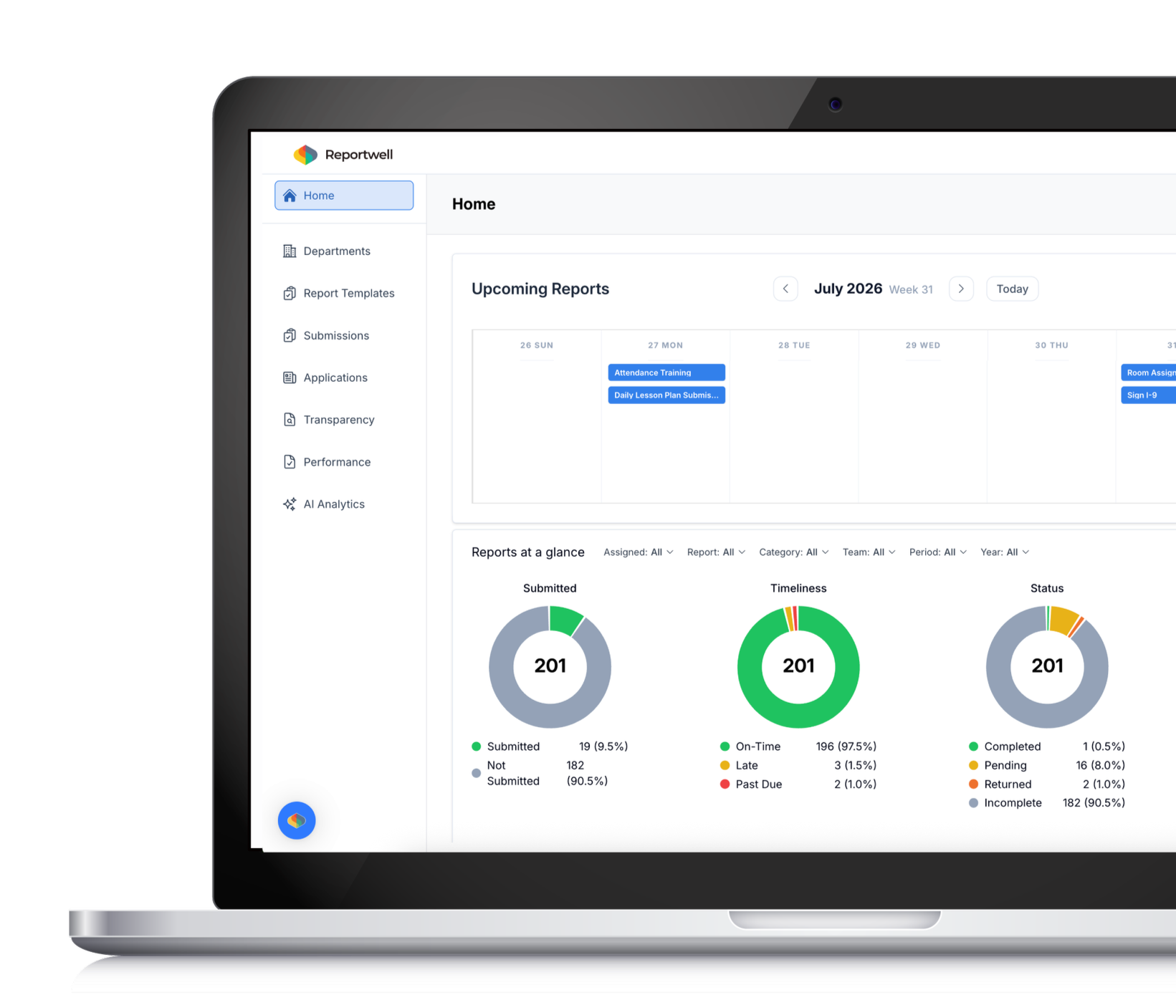
Track deadlines, manage collaboration, and assign tasks across your school, all in one place.
Disconnected systems create unnecessary risk for school teams.
Scattered information
Important files live across inboxes, shared drives, spreadsheets, and individual folders.

Unclear ownership
Tasks move forward through reminders, follow-up emails, and informal handoffs.

Missed visibility
Leaders have to ask around to understand what is due, delayed, or complete.

Drive keeps critical work on task.

01
Bring documents, records, plans, and everyday resources into one shared workspace your team can rely on.
Organize

02
Assign
Turn complicated work into clear responsibilities with owners, due dates, and visible next steps.

03
Track
Monitor progress, priorities, and outstanding work without piecing together updates across separate systems.

04
Move Forward
Keep teams aligned, reduce follow-up, and make sure important work does not fall through the cracks.
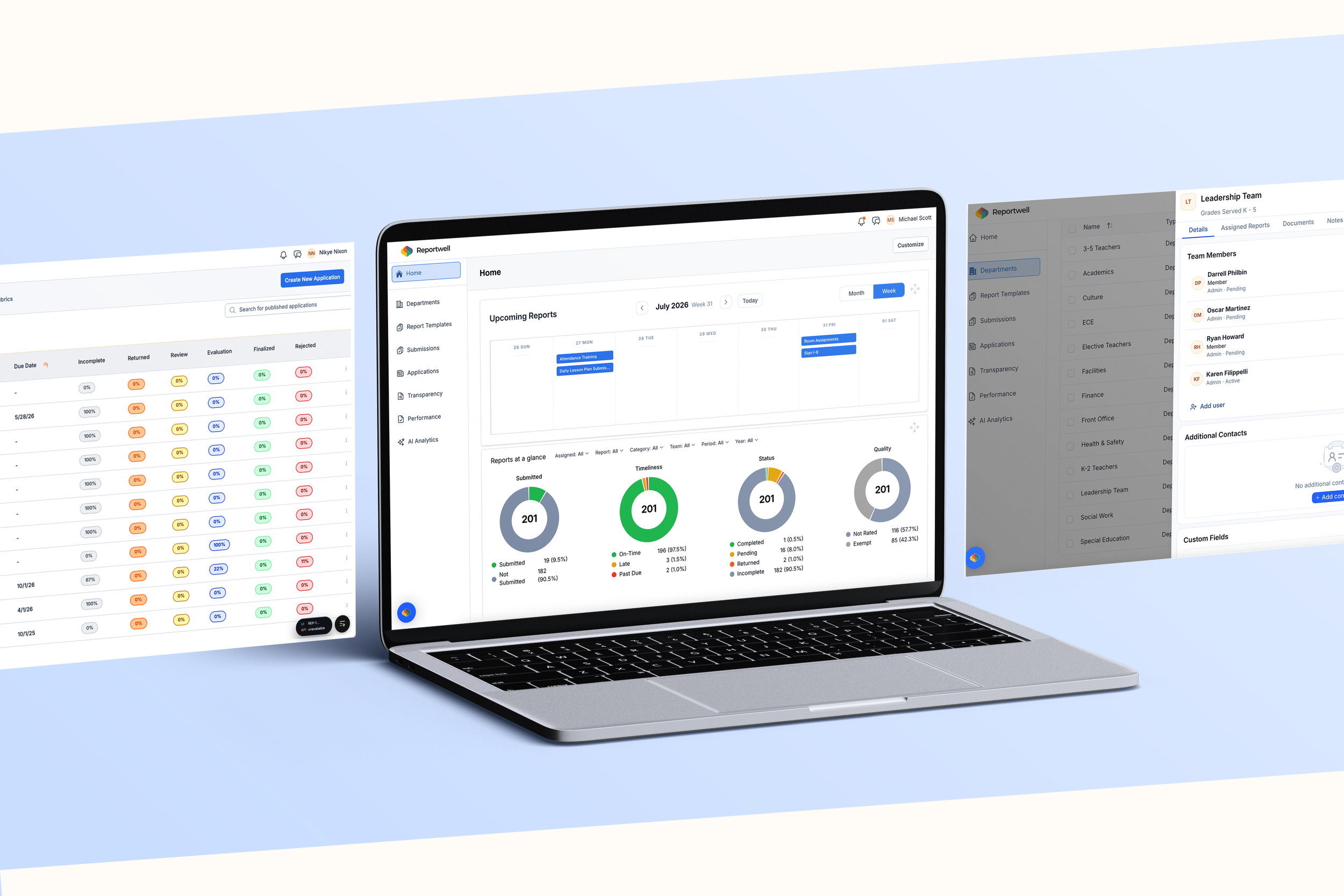
One place for every document.
Set deadlines. Stay organized. Be searchable.
Store policies, meeting notes, compliance files, and historical records in a secure, searchable system.
1
Central repository
Collect and organize documents across colleagues, grade levels, and departments in one shared hub.
2
Cross-department collaboration
Build an organizational structure that fits your workflows and makes retrieval simple.
3
Customizable folders and tags
Deadline tracking
4
Assign due dates for internal tasks and receive automated reminders to keep projects on time.
Instantly surface the document or data point you need, no matter who uploaded it.
5
AI-powered search
Less chasing.
Less searching.
Less uncertainty.
Drive gives school teams one place to manage the work that keeps operations moving. From organizing critical documents and assigning responsibilities to tracking deadlines and maintaining visibility across teams, Drive helps schools stay prepared, aligned, and accountable every day.